1
Robot plays chess
Perceive the board, choose a legal move, and move chess pieces with a robot arm.
Track 3 · CoRL 2026 Challenge Suite
Build a robot that plays chess. Isaac Lab and Newton physics provide two ways to develop in simulation; train with sim and real data, then test on a physical robot.
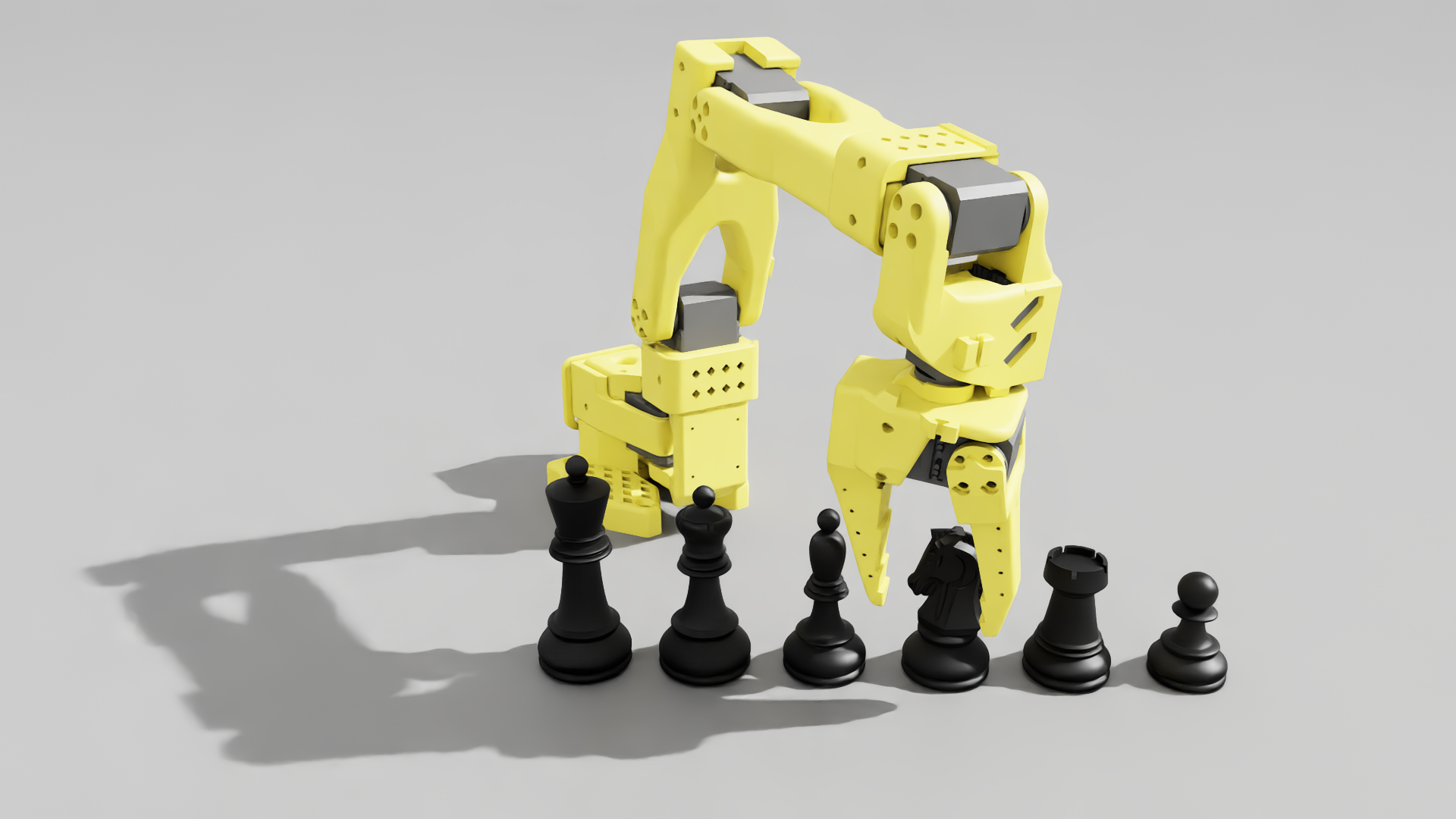
Start here
A complete RoboChess entry covers all four parts of the workflow.
Perceive the board, choose a legal move, and move chess pieces with a robot arm.
Use both simulated and real robot data to train your policy.
Evaluate the policy in simulation and on physical robot hardware.
Make your submission through the CoRL 2026 workshop OpenReview page ↗.
Two simulation implementations
The project shares chess layouts and assets across both implementations. Each supports a different part of the development workflow.
Isaac Lab · scene and data pipeline
Manager-based tasks cover chess scenes from a 1D board to a standard 8 × 8 opening. A scripted pick policy uses GraspGen grasps and Isaac Lab's RecorderManager to save demonstration data.
Newton physics · parallel evaluation
The Newton port reuses the Isaac Lab chess layouts and grasp assets. It provides scene inspection and a scripted pick task with explicit success and failure outcomes.
The challenge
RoboChess uses chess to study robot policy learning across simulation and physical deployment. A successful system must connect board perception and move selection with accurate piece manipulation.
The task tests whether a policy trained with simulated and real data can handle the precision of chess moves and transfer from virtual scenes to a real robot.
How to participate
Use the RoboChess project as a starting point, then document your approach and results for both evaluation settings.
The challenge package ↗ provides chess assets and simulation task examples. Its README and setup guide describe the current environment.
Train with simulation and real robot data. Test your resulting policy in simulation and on a real robot, recording successes and failures.
Submit your work to the CoRL 2026 workshop on OpenReview ↗.
In the codebase
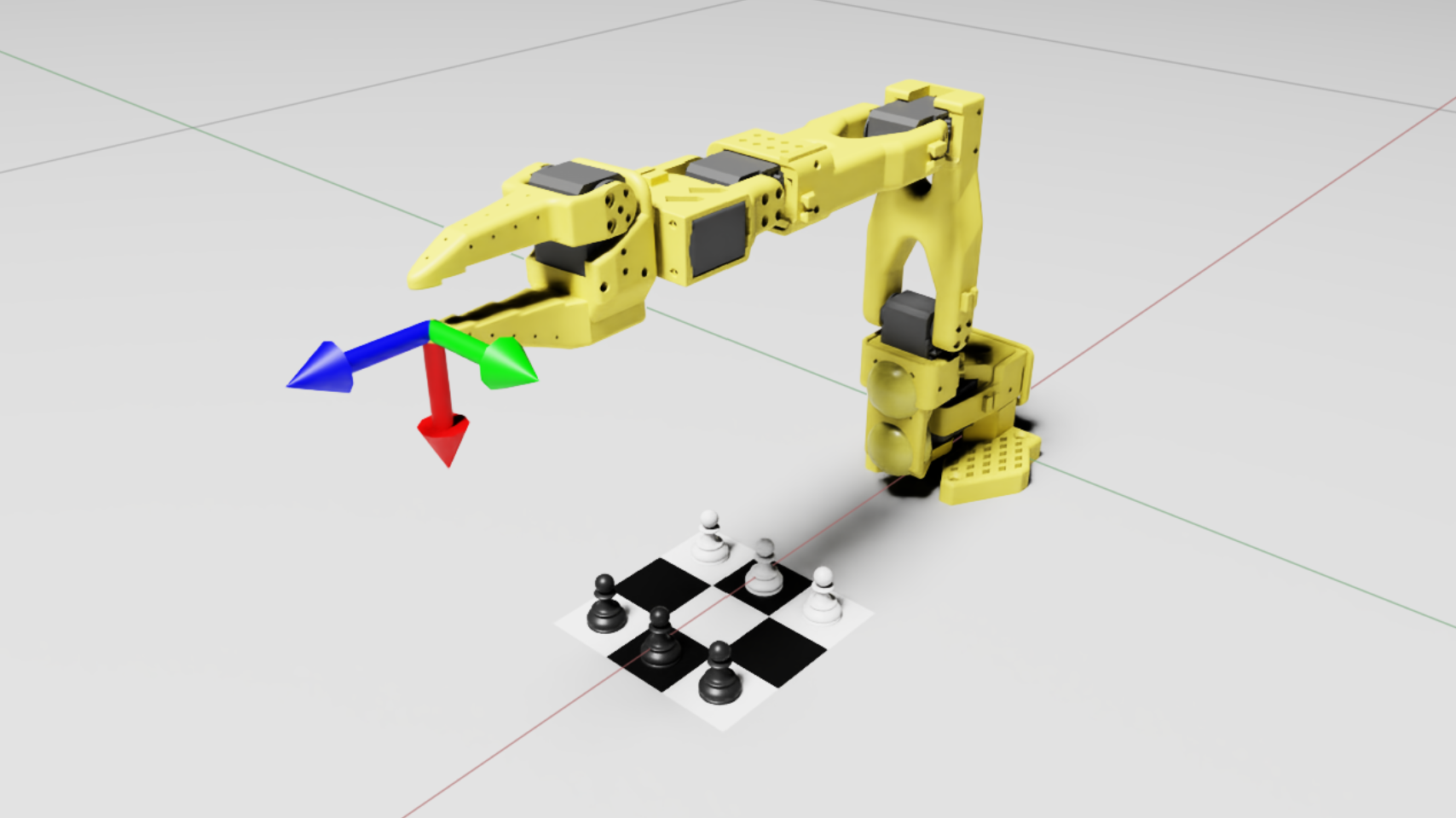
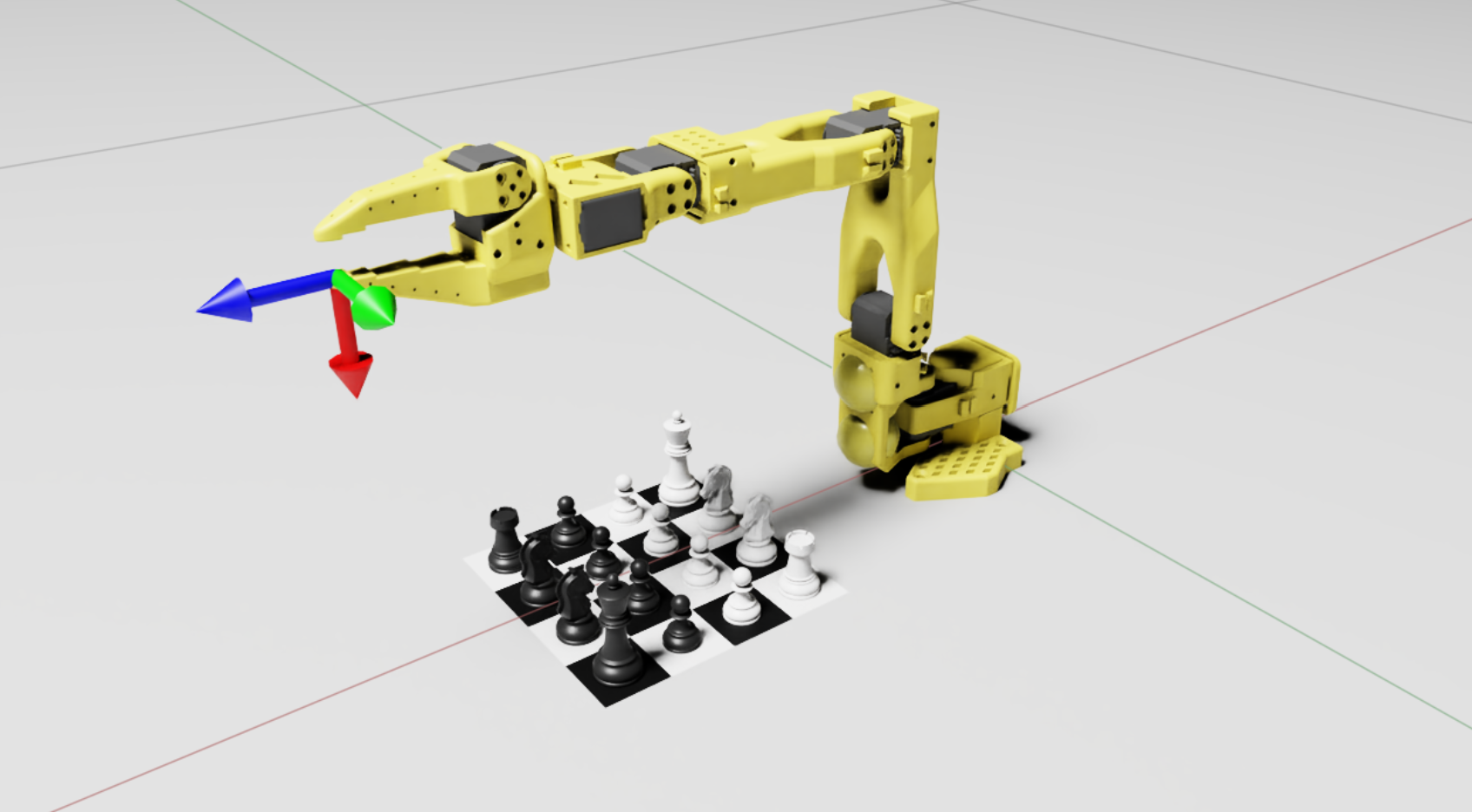
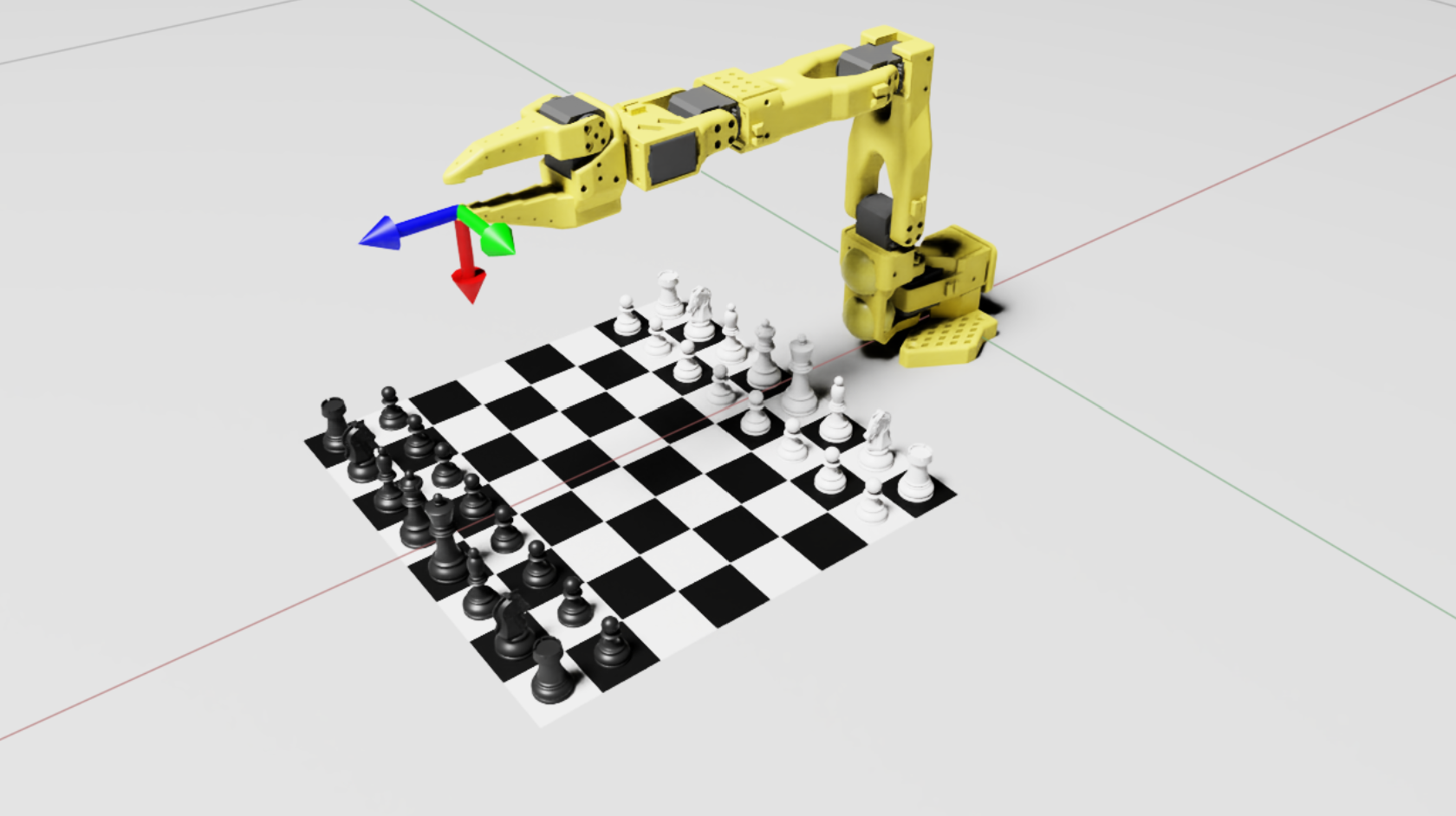
The project includes compact boards for manipulation development and a standard 8 × 8 setup. The scenes below come from its simulation assets.
Project screenshots
Close views from the project's Isaac Lab scenes and demonstration replays. Select a view to open its full screenshot or six-frame sequence.
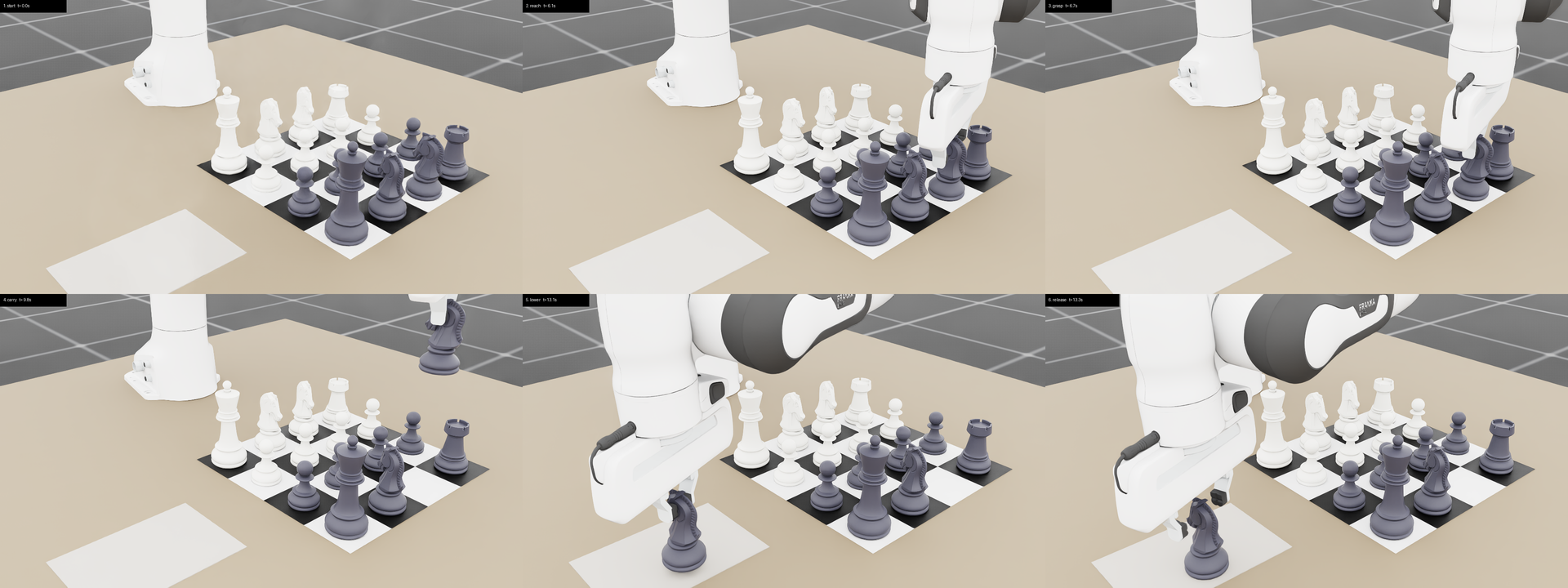
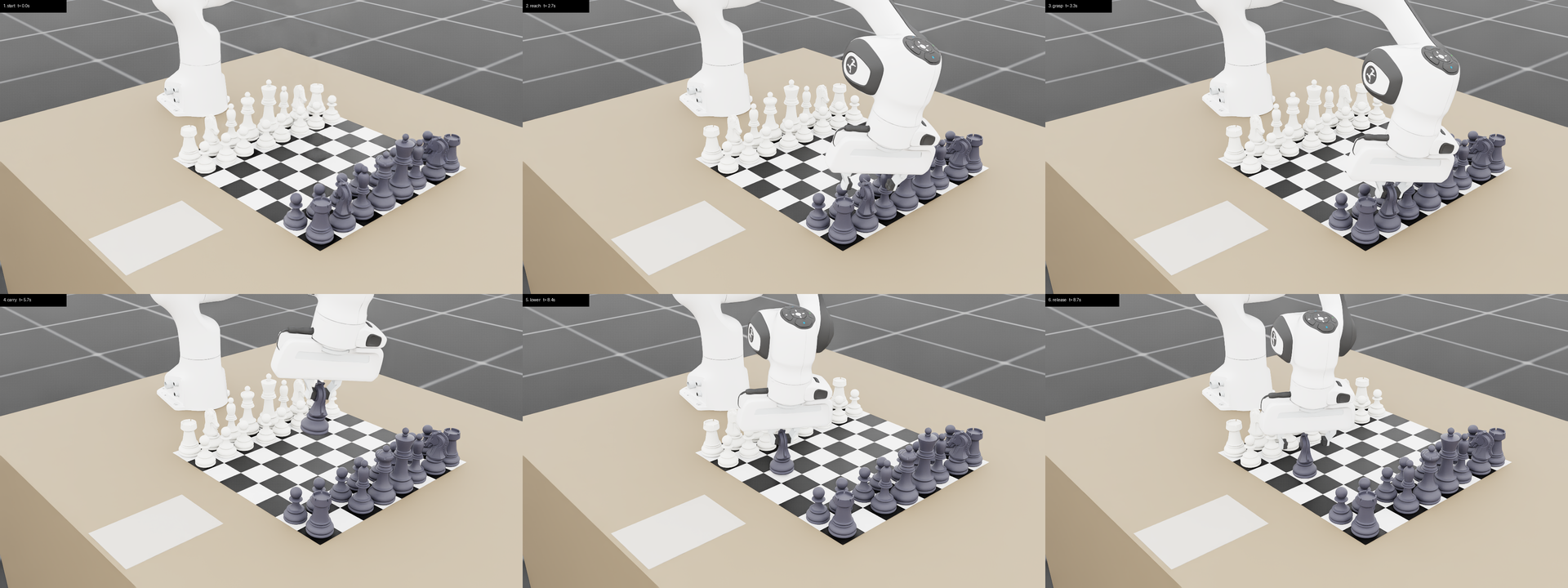
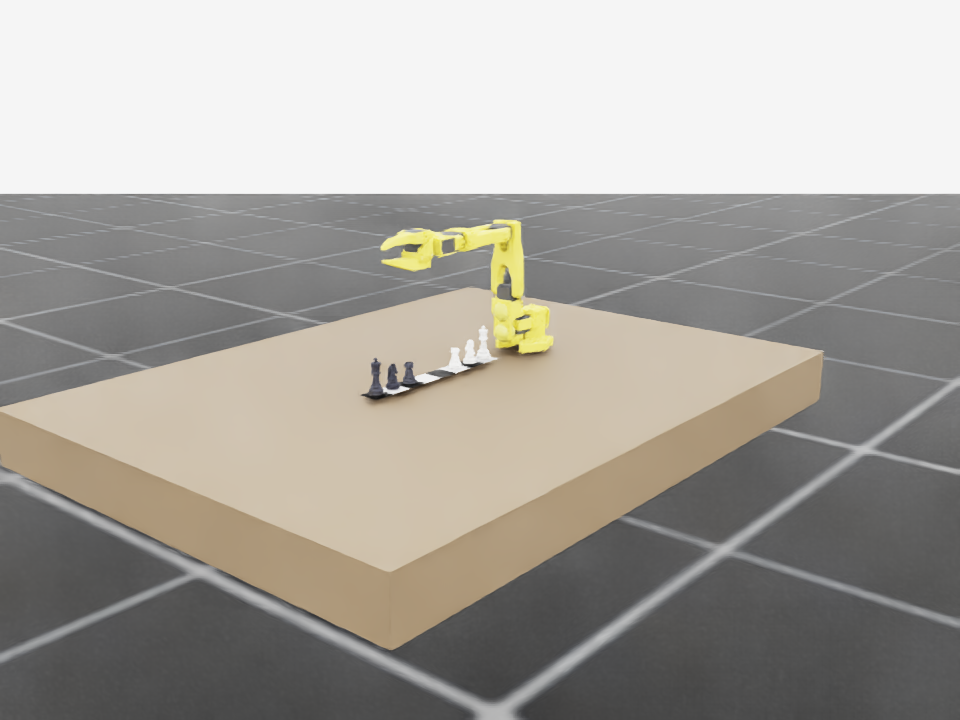
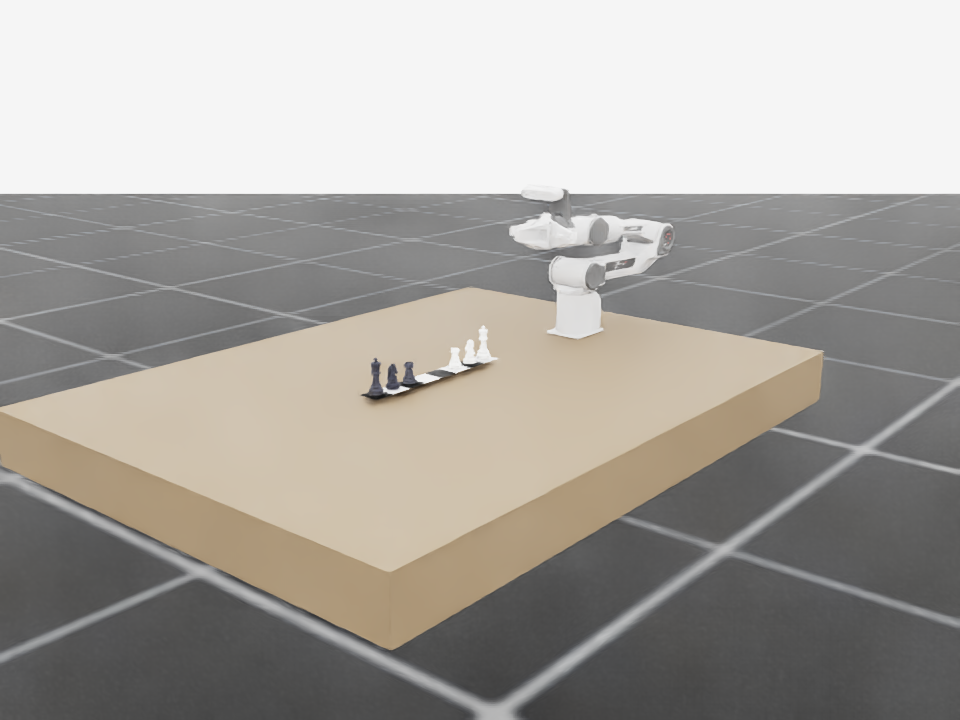
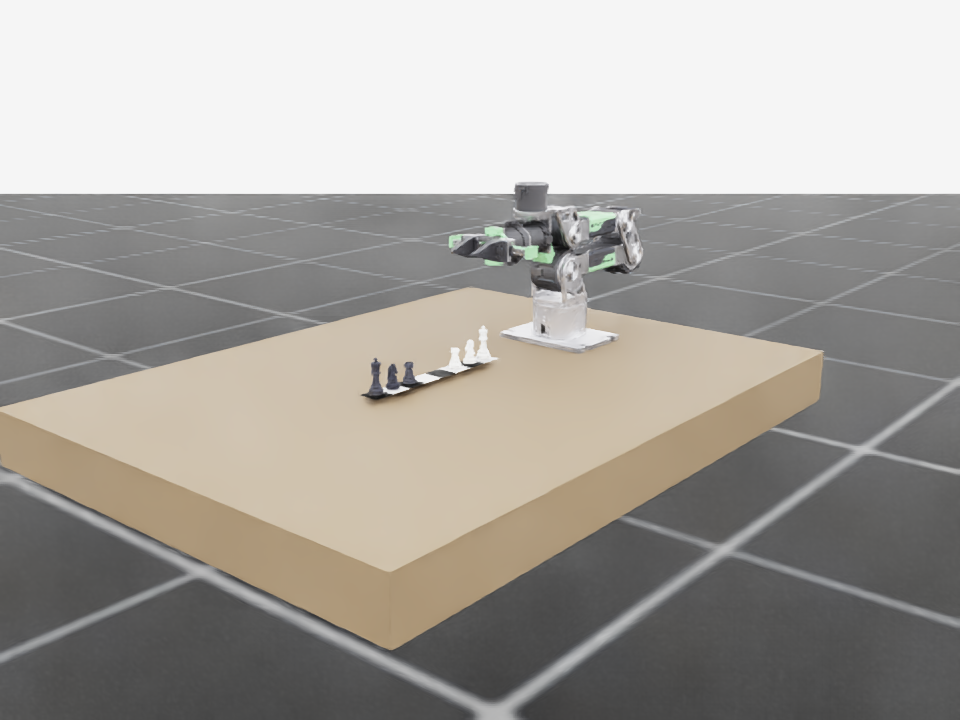
Newton uses the same board layouts; the screenshots above are from Isaac Lab, not Newton renders.
Resources
The repository documents an Isaac Sim manipulation extension, Isaac Lab task examples, and a Newton simulation port.
The challenge package in this repository contains both implementations, shared assets, and setup notes.
Browse challenge package ↗Review the CoRL 2026 workshop page and use its OpenReview console to make a submission.
Workshop home ↗This challenge folder is a snapshot of an actively developed project. Check the upstream README for later setup and task updates.
Your next move
Bring your chess-playing robot, training with sim and real data, and test results from simulation and a physical robot to the workshop submission page.